1xBet app download for Android
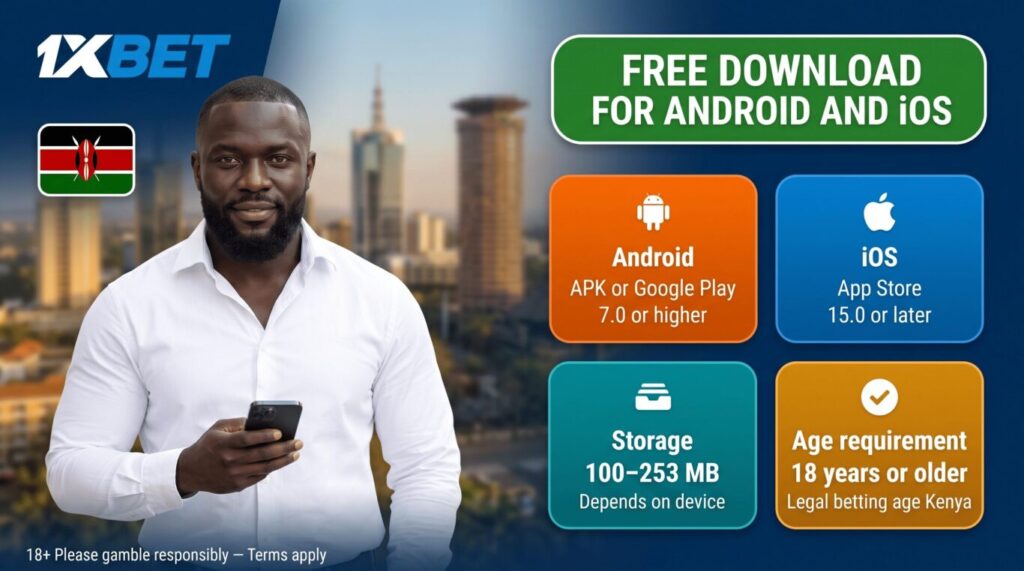
On Android, you can download the 1xBet app from Google Play or get it as an APK file from the official site. Google Play handles everything automatically once you tap Install. The APK is the direct route, useful when Play access is limited or you want the newest build from the source. It needs one extra step, allowing installs from unknown sources in Settings under Security.
To install from the APK file:
- Open 1xBet in your mobile browser.
- Go to the apps section and tap the Android download button.
- Confirm the download and find the file in your Downloads folder.
- Open the file and allow the install if prompted.
- Confirm and wait for it to finish.
The app needs Android 7.0 or higher and about 100 MB of free space. Full instructions and the safety checklist for the APK are on our 1xBet APK download page.
1xBet app download for iOS
On iPhone and iPad, the 1xBet app comes straight from the App Store, with no APK file and no manual setup.
To download and install:
- Open the App Store on your iPhone or iPad.
- Search for 1xBet.
- Tap Get on the official app.
- Confirm with Face ID, Touch ID, or your Apple ID.
- Wait for the install to finish and open the app.
The app needs iOS 15.0 or later and around 253 MB of space. If it doesn’t show up in search, the cause is usually your Apple ID region rather than the app being unavailable. More on the iOS install, including the region fix, is on our 1xBet iOS download page.