The 1xBet APK is the Android version of the bookmaker, packaged as an install file you download straight from the 1xBet website. It’s free, and a reasonably recent Android phone is all you need to run it. Real-money betting is open to players 18 and over, the legal gambling age in Kenya.
🎁 Your exclusive promo code1x_5258697CopyEnter this code during registration to maximize your welcome bonus
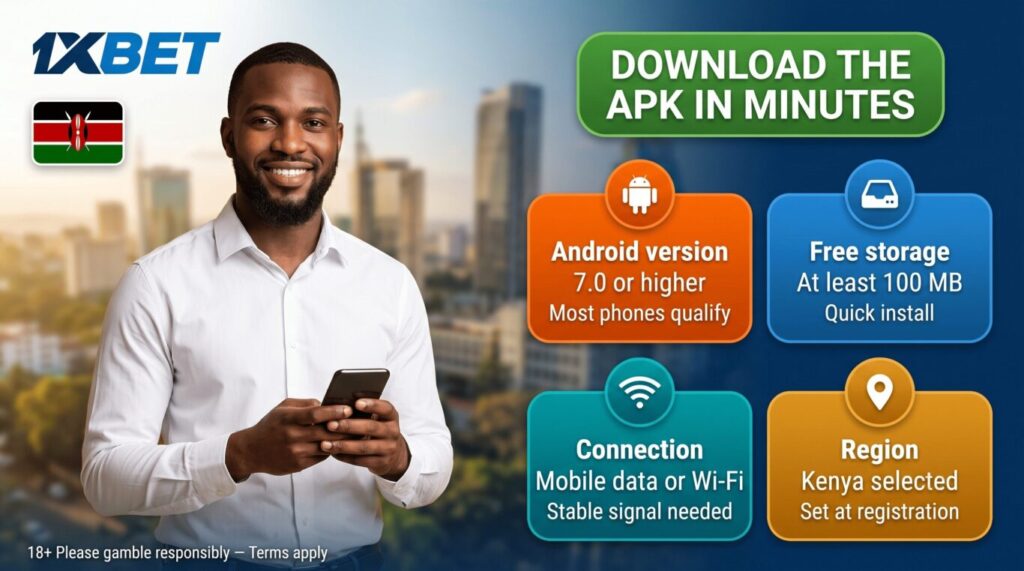
1xBet APK system requirements
Before you download the 1xBet APK, check that your phone meets the basics:
Requirement
Details
Android version
7.0 or higher
Free storage
At least 100 MB
Connection
Stable mobile data or Wi-Fi
Region
Kenya selected during registration
Most Android phones sold in the last few years meet these without any issue.
Download and install 1xBet APK
You get the 1xBet APK from the official 1xBet site rather than an app store. Open 1xBet in any mobile browser on your Android phone or tablet, then:
Go to the apps section of the site.
Tap the Android APK download button.
Confirm the download.
Find the file in your Downloads folder.
Because the APK comes from the web, Android blocks the install until you allow it. Open Settings, go to Security, and turn on installs from unknown sources for your browser. After that:
Open the downloaded APK file.
Follow the on-screen prompts.
Confirm the installation.
Wait for it to finish.
Once the app is installed, turn unknown-source installs back off and delete the APK file. You won’t need either again until the next update. Only ever download the APK from the official 1xBet site. Files from mirror sites, Telegram channels, or “modded” versions can be outdated or unsafe.
How to update the 1xBet APK
The APK doesn’t update itself the way a Play Store app does. You refresh it manually instead. When a new version is out, download the latest 1xBet APK from the official site and install it over the app already on your phone. The new file overwrites the old one and keeps your account, settings, and login in place.
It’s worth checking for a new version every few weeks, since older builds can miss markets, games, or security fixes. The download page on the 1xBet site always carries the current release.
1xBet APK features and functions
The 1xBet APK runs the operator’s full platform, and the sportsbook and casino inside it match the desktop site.
Sports betting
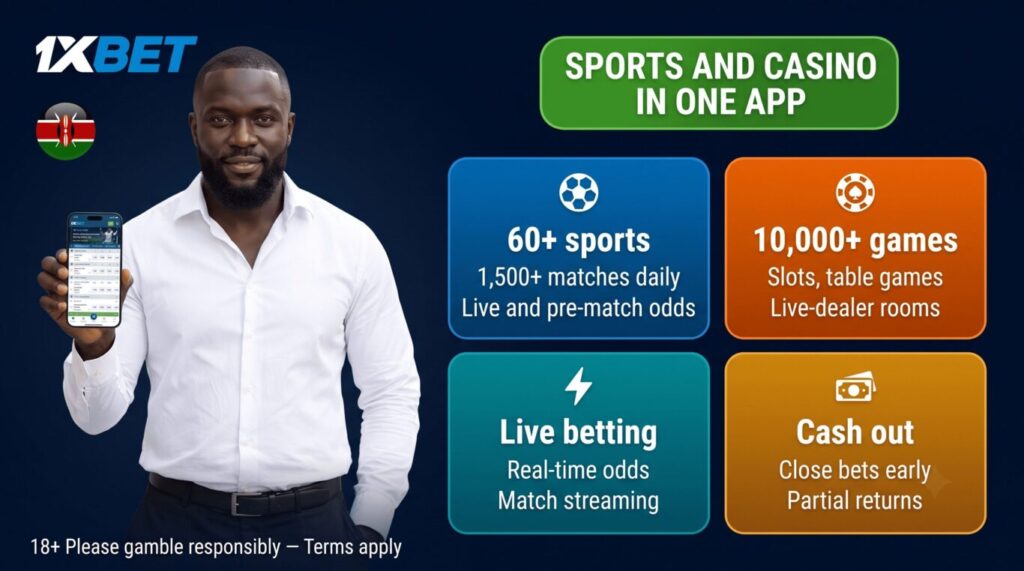
On the sports side, the 1xBet APK opens to a line of 60+ disciplines and more than 1,500 matches a day. Football leads it, with the Kenyan Premier League and African competitions sitting next to the Premier League, La Liga, Serie A, and the Champions League. Basketball, tennis, cricket, and esports fill out most of the rest, and the line runs down to smaller markets like futsal and table tennis.
Each event carries both pre-match and live markets, from straight match results to totals, handicaps, and player props. Live betting updates the odds as a match plays out, and a share of football and tennis fixtures stream inside the app, with a graphic match tracker covering the events that don’t. You can place single bets, accumulators, and system bets, build several outcomes from one match into a single slip, and cash out an open bet early for a partial return.
Casino and live games
The casino side of the 1xBet APK holds more than 10,000 HTML5 games that load on touch screens of any size. Slots make up the bulk of it, grouped by theme and by provider, alongside table games like roulette, blackjack, and baccarat. The live-dealer rooms run real tables streamed from a studio, and the crash and instant-win sections cover faster formats like Aviator-style titles and 1xGames originals. Several slots also carry progressive jackpots.
The games come from established studios, among them Pragmatic Play, Quickspin, Endorphina, and Evolution for live tables. Many slots open in demo mode for free play before you bet real money. The lobby sorts games by category and provider, with a search box for a specific title.
Account, login, and security
The app keeps you signed in between sessions, and you can lock it behind your phone’s fingerprint or PIN. Account settings, betting history, and verification all sit in the profile section, and the connection runs over the same SSL encryption as the website.
Notifications and offline access
Push notifications cover odds changes on events you follow, goals in your live bets, and new promotions, and each type can be switched off in settings. Your betting history and account balance cache on the device and stay visible when the signal drops, though placing a new bet still needs a connection. The app itself is light and loads on an average or 3G connection.
Languages, payments, and support
The interface runs in English and Kiswahili, picked in the settings menu. The cashier is built into the app and works in KES through M-Pesa and Airtel Money, with the full list of limits and methods on our deposit page. Support sits inside the app too, reachable 24/7 by live chat, email, and a callback request.
1xBet APK download and install problems
A few issues come up with a direct APK install. The common ones and their fixes:
The download won’t start or stalls. Check your connection and free storage, then tap the APK download button again. A weak signal is the usual cause.
“Installation blocked” or “unknown sources” error. Android is stopping the install. Open Settings, go to Security, and allow installs from unknown sources for the browser you downloaded with, then reopen the file.
“App not installed”. An older 1xBet version may still be on the phone. Remove it, then install the new APK file. A corrupted download can also cause this, so re-download if it repeats.
The app won’t open after installing. Confirm your Android version is 7.0 or higher, restart the phone, and reinstall the latest APK from the official site.
The APK looks outdated. You downloaded an older build. Delete it and get the latest version straight from the 1xBet site.
Registration in the 1xBet APK
You can open a 1xBet account from the app without going to a browser. After you install the APK and launch it, tap the registration button and enter your Kenyan phone number, name, and surname, plus a promo code if you have one. Tap “Send SMS”, then type the code 1xBet sends you to confirm the number.
The app then opens your new account, where you add your address, date of birth, and the rest of your details. To unlock withdrawals you also pass verification by uploading an ID, passport, or driving licence. The full registration walkthrough is on our 1xBet registration page.
FAQ
Open the 1xBet site in a mobile browser, go to the apps section, and tap the Android APK download button. Allow installs from unknown sources, open the downloaded file, and confirm the install.
Yes, as long as you download it from the official 1xBet site. 1xBet runs in Kenya under BCLB licences No. 0001233 and No. 0001232, and the file uses the same SSL-protected platform as the website. Avoid mirror sites and Telegram copies, since those can carry tampered files.
No. Reinstalling or updating the APK over the old app keeps your account, balance, and history. You only re-enter your login if you cleared the app’s data first.
Yes. Downloading and installing the 1xBet APK costs nothing. You only need money once you deposit to bet or claim a bonus.